
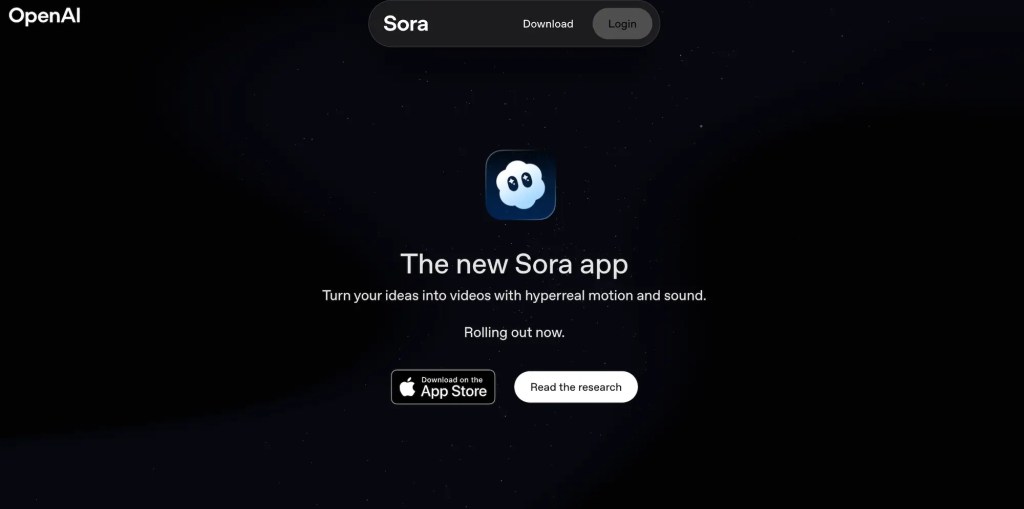
OpenAI’s new video app, Sora, is currently in an invite-only phase in the U.S. and Canada. To join, you’ll need to follow a small set of steps and possibly use an invite code.
Here’s a breakdown of how users can try to get access:
Step 1: Download the App & Sign In
- First, download the Sora app from the iOS App Store (available in U.S. and Canada at launch).
- Use your existing OpenAI account credentials (the same one you use for ChatGPT) to sign in.
- During onboarding, you’ll be asked to enter your birthday, a measure to ensure age-appropriate protections.
Step 2: Enter an Invite Code (If Required)
- Since Sora is in a limited, invite-only stage, you may need an invite code to complete registration.
- If you have a code given by someone already in Sora, enter it during setup.
Step 3: Set Up Your Profile & Username
- After successful login and invite verification, you can choose a username and add a profile photo (optional).
- You can also find and follow friends in the app.
Step 4: Wait for More Invites / Expand Access
- OpenAI’s rollout is gradual. More users will gain access over time beyond the initial invite waves.
- If you don’t yet have a code, downloading the app now ensures you can receive a notification when your account becomes eligible.
- In some early rollouts, existing users may have limited “friend passes” or invites to distribute to others.
Cameos & Privacy Steps
- Sora supports a feature called Cameos — letting you cast yourself (or approved friends) as characters in AI-generated videos.
- To use your likeness, you’ll go through a verification process (video + audio) so the app can map your appearance and voice,
- You will retain control: you can revoke permission for others to use your cameo, or delete videos that use your likeness.
What You Can Do Now (While Waiting)
- Download the app and sign up so you’re ready for updates.
- Keep an eye on your email or OpenAI account — you may receive a notification when invite codes become available.
- If you know someone already in Sora, you can ask whether they have a pass to share.
- Follow OpenAI’s official announcements or their Help Center for news when more invites roll out.



 NudgedUp
Leave a comment