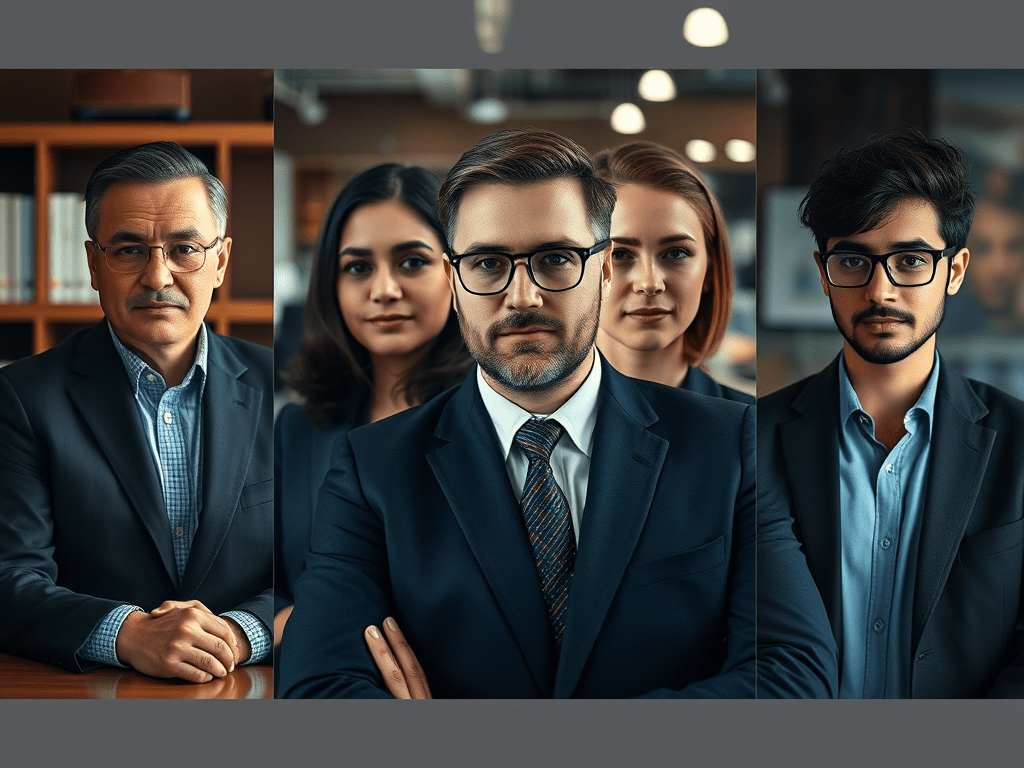
AI tools like Gemini make it possible to turn a simple selfie into a polished, professional headshot. This guide breaks down those prompts, explains why they work, and shows you how to adapt them for your own needs.
How to Use These Prompts
- Take a clear selfie in natural or well-lit conditions.
- Copy one of the prompts below into Gemini.
- Upload your selfie when prompted.
- Generate 3–4 versions and pick the best one.
- Refine with adjustments like “softer shadows” or “brighter background” if needed.
The 10 Prompts
1. Executive / Corporate
“First ask me for a selfie. Transform my selfie into an executive headshot suitable for C-suite LinkedIn profiles. Lighting should be dramatic yet professional with soft shadows. Outfit: dark navy blazer. Background: modern corporate office, slightly blurred.”
Use for: CEO, senior manager, leadership roles.
2. Legal Professional
“Convert my selfie into a headshot perfect for law firm profiles. Lighting classic and timeless, posture square to camera, expression serious but approachable. Background: mahogany-paneled office with law books, blurred.”
Use for: Lawyers, consultants, policy roles.
3. LinkedIn / Job Hunter
“Turn my selfie into a LinkedIn headshot that feels approachable and hire-ready. Lighting natural daylight, smile genuine, background: bright co-working space with plants, blurred.”
Use for: Job seekers, corporate professionals.
4. Industry Expert / Media
“Create an industry expert headshot for podcasts and media. Broadcast-quality lighting, confident posture, background: studio or newsroom setting, cinematically blurred.”
Use for: Analysts, commentators, media appearances.
5. Artist / Creative
“Make an artistic headshot for creative portfolios. Lighting moody and dramatic, expression contemplative. Background: art studio with canvases, blurred.”
Use for: Designers, photographers, artists.
6. Influencer / Content Creator
“Transform my selfie into an influencer headshot. Lighting optimized for social media, polished skin, expression trendy and engaging. Background: aesthetic location, blurred.”
Use for: Creators, brand ambassadors, influencers.
7. Healthcare Professional
“Convert my selfie into a healthcare headshot for clinic websites. Lighting clean but warm, expression caring and competent. Background: modern medical office, blurred.”
Use for: Doctors, nurses, healthcare staff.
8. Therapist / Counselor
“Make my selfie into a therapist headshot that feels calming and safe. Lighting soft and warm, posture relaxed, background: peaceful therapy office with plants, blurred.”
Use for: Psychologists, counselors, life coaches.
9. Real Estate Agent
“Create a real estate agent headshot that inspires trust. Lighting professional, smile reassuring, background: upscale property or real estate office, blurred.”
Use for: Realtors, brokers, property consultants.
10. Entrepreneur / Startup Founder
“Turn my selfie into a startup founder headshot that attracts investors. Lighting ambitious and visionary, expression determined, background: modern startup office, blurred.”
Use for: Founders, entrepreneurs, innovators.
Best Practices
- Always start with a high-quality selfie.
- Keep prompts specific about lighting, expression, and background.
- Use blurred or softened backgrounds to keep focus on your face.
- Generate multiple outputs — don’t settle on the first.
Final Word
These ten prompts give you a starting point to create headshots that match your role, industry, or personal brand. Whether you’re a job seeker, a lawyer, a creator, or a founder, Gemini can help you build a polished, professional image — all from a single selfie.



 NudgedUp
Leave a comment